It isn’t often we add a new database type, but this is one we’ve had a lot of requests for – MS SQL Server.
Today this happens! Valentina Reports starting from 5.5b15 can use MS SQL server as native datasource. Notice, that this works on all 3 OS: Windows + Mac OS X + Linux.
If you use MS SQL and you want to test it, you can download it here for all OS:
http://www.valentina-db.com/download/beta/5.5b20
Right now you can…
- Download Valentina Studio to do the following steps…
- Make a new Valentina Project (from File Menu) on your desktop
- Make a new datasource — define to your MS SQL server
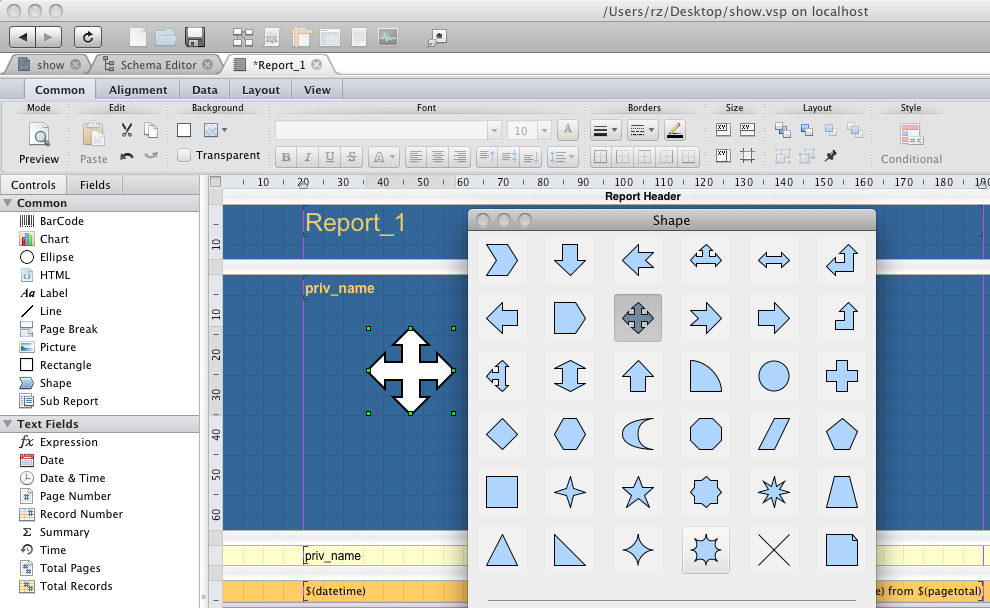
- Make a new Report – can be with simple query as SELECT * FROM T, do click, click, click in the wizard to get default layout of fields.
- Click PREVIEW button on the left to see report with data from your MS SQL Server.
To start use this new datasource in your application you need just to specify a corresponded string that describes datasource connection string. See details.